











An account is what separates looking at odds from actually using them. Before you sign in, you can browse markets, compare prices and check fixtures. Once signed in, you can reach your balance, bet slip, payment options and betting history. That is the practical reason the Bikosport login step exists.
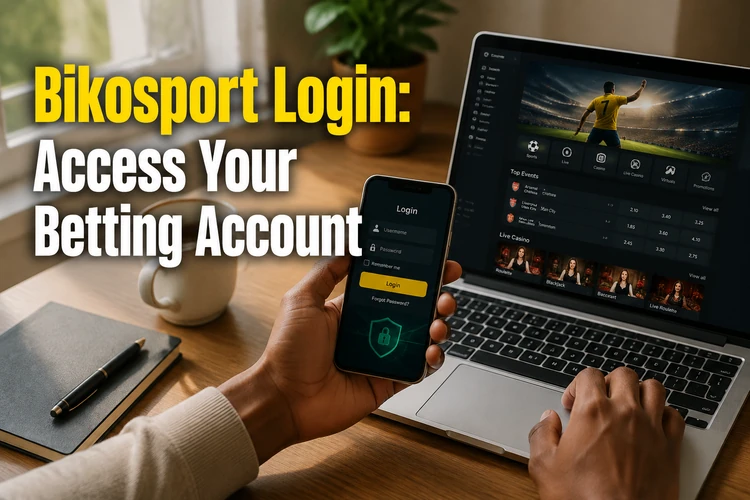
Access is available from the website in a browser and through the Android application. The same registered phone number and password are used for both, so there is no need to create a separate mobile profile. The sections below cover signing in, opening a new account, fixing access problems and protecting personal information. Betting is for adults only, 18+.
How to log in to your account
The login form asks for the phone number attached to the profile and the account password. Enter the number in the same format used during registration. If a number you know is correct keeps getting rejected, remove accidental spaces and check the country-code format before trying again.
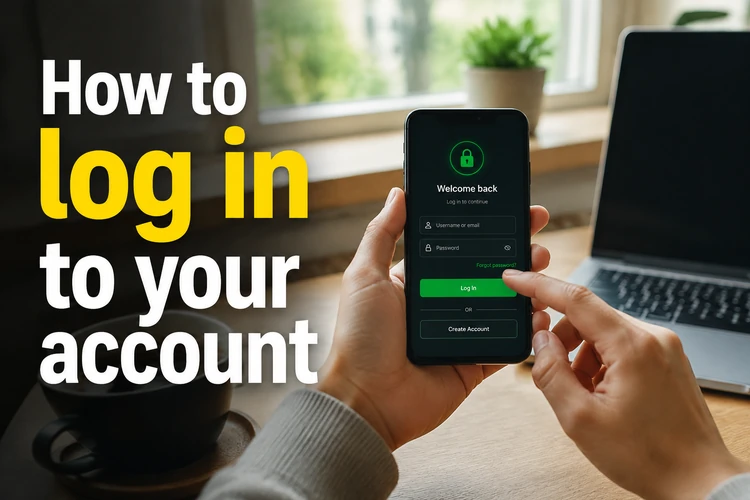
Check the keyboard as well. Passwords are case-sensitive, and mobile keyboards may capitalise the first character automatically or add a trailing space after an autocomplete suggestion. If the form has a visibility icon beside the password field, use it briefly to check what you typed, then hide the password again before submitting.
- Step 1: Open the website in your browser or launch the installed application.
- Step 2: Select the login button near the top of the screen.
- Step 3: Enter your registered phone number and password.
- Step 4: Confirm the form and wait for the account page to load before pressing the button again.
A slow connection can delay the response. Repeated taps may produce several requests, so wait a few seconds after submitting. On a shared device, decline any browser prompt offering to save the password.
Registering a new user
Registration is intended for adults aged 18 or over in Tanzania. You will need a valid mobile number, a password and the personal details requested on the form. Use your own number rather than one belonging to a relative or friend, because it may be needed for verification and password recovery.
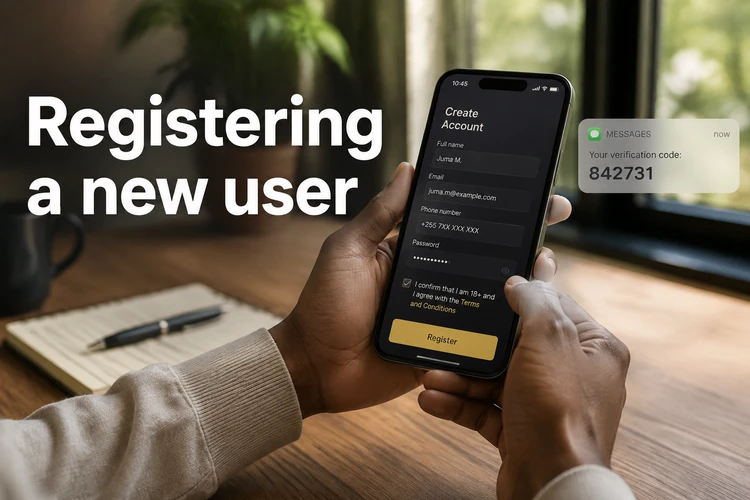
After submission, the number may need to be confirmed with a one-time code sent by SMS. Enter the code before it expires. If it does not arrive, check the mobile signal and the number entered, then request a replacement once rather than repeatedly restarting registration.
Additional identity checks may be requested when account or payment details need verification. Enter your legal name and other information accurately from the start so that it matches any documents requested later. Before submitting, review the phone number carefully; correcting an account created with the wrong number can take longer than fixing the form.
Signing in through the mobile app
The Android application can be obtained from the Bikosport app download page. Check that the file comes from the expected download page before opening it. If Android requests installation permission, grant it only to the browser or file manager being used for this installation, then disable that permission afterward if it is no longer needed.
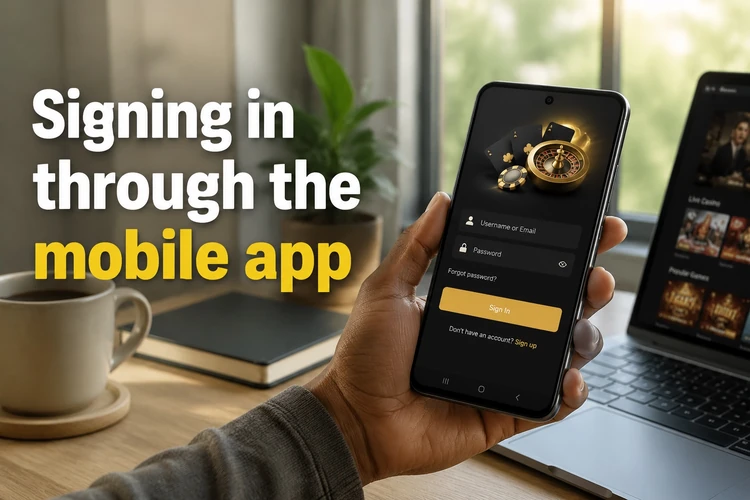
Once installed, open the app and enter the same phone number and password used on the website. The main difference is that the app runs directly from the phone instead of a browser tab. Depending on the device settings, it may keep the session active between launches. Log out after use if anyone else can unlock the phone.
Install updates only from the same trusted download source. If an update replaces an older version, the account itself remains tied to the registered number, although you may need to sign in again. Removing the app does not replace password recovery and does not create a new profile.
What to do when the password does not work
Failed sign-ins usually come from a small set of causes. Start by retyping the password with the field visible, then confirm that the phone number belongs to the correct profile. Also check for automatic capitalisation, an inserted space or an incorrect digit.
If access still fails, select the "Forgot password?" link on the form. Recovery uses the registered mobile number, so an SMS code may be sent before you can create a new password. Never share that code with another person.
- Wrong details: verify every digit in the phone number and type the password manually instead of relying on autofill.
- Connection or SMS delay: switch between mobile data and Wi-Fi, check the signal and wait before requesting another code.
- App problem: close and reopen the app, clear its cache in Android settings or reinstall the current version from the trusted source.
- Restricted account: if the screen says the profile is blocked or limited, contact support and include the exact message shown.
A password reset will not solve a restriction placed on the account. Avoid guessing repeatedly, as several failed attempts can trigger a temporary security check. Keep any error message visible or take a screenshot without exposing the password or SMS code.
Security habits worth keeping
Use a password of at least ten characters with a mix of letters, numbers and symbols, and do not reuse it on email, social media or other betting accounts. Avoid birth dates, phone numbers and family names. Change the password promptly if you entered it on a device you do not control.
Nobody should ask for your password, SMS verification code or payment PIN by phone, message or social media. Treat any such request as an attempt to take over the account. Do not approve a login or recovery request that you did not start yourself.
Sign in only through the expected website or application, and log out manually after using another person's phone or a public computer. Keep the device screen lock enabled and review your own spending limits. The responsible gambling guidance explains practical ways to stay in control. Betting is entertainment for people aged 18+, not a source of income.
What to remember
Signing in requires the registered phone number and password. Registration should use a number you control because it may receive confirmation and recovery codes. When access fails, check typing, number format, connection quality and the installed app version before resetting the password.
Use trusted entry points, keep credentials private and close the session on devices that are not yours. These basic checks provide safer access to the balance, betting history and account tools without creating duplicate profiles or exposing recovery codes.